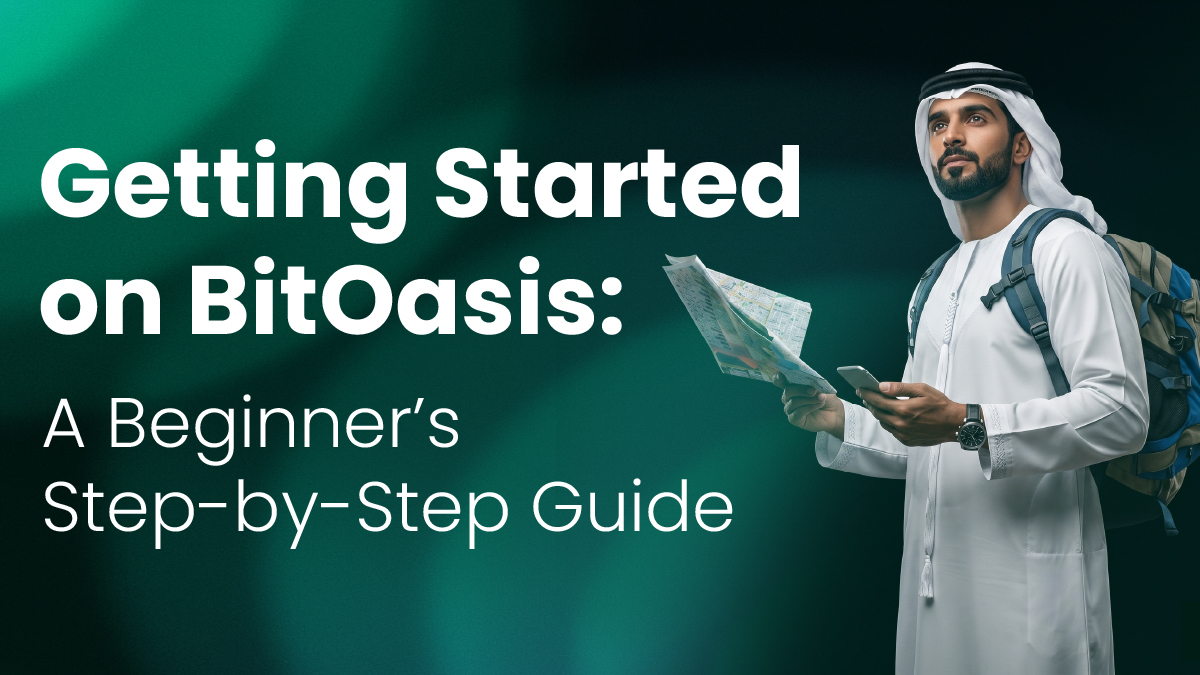
If you’re new to digital assets, getting started can feel complex at first. This guide walks you through the basic steps to begin using BitOasis, from funding your account to making your first purchase and understanding what you see on screen.
The process is designed to be straightforward, with multiple funding options and a simplified interface for first-time users.
1. How to Link Your Bank Account on BitOasis
To start using BitOasis, you’ll first need to fund your AED wallet. One option is linking your bank account through a secure connection.
Linking your bank account is one of the primary ways to fund your BitOasis AED wallet. This method enables direct transfers from your bank, allowing you to move funds into your account in a structured and secure way.
The minimum AED deposit amount on BitOasis is AED 100, making it easier for first-time users to get started at their own pace.
Steps to link your bank account:
- Go to Wallets → Deposit (AED Wallet)
- Under Easy Funding, tap “Link a bank”
- If no account is linked, you’ll see a prompt to connect
- Tap “Link Bank” to continue
- Select your bank from the list (e.g. ENBD, FAB, ADCB)
- Log in using your bank credentials via the secure connection provider
- Once completed, you’ll see a “Connection successful” message
What to expect:
- The process of linking your account typically takes only a few minutes. Once linked, it may take up to 24 hours before deposits become available.
- Your banking credentials are not stored by BitOasis
- The connection is facilitated through a regulated third-party provider, with zero deposit fees currently applied through this funding method.
It forms part of what is commonly referred to as open banking connectivity, where users can securely connect financial accounts to approved platforms.
2. How to Deposit Funds Using a Credit or Debit Card
Using a credit or debit card is another way to fund your BitOasis account. This method is typically used for faster access to funds and does not require linking a bank account.
Steps to deposit using a card:
- Go to Wallets → Deposit (AED Wallet)
- Select Card Payment
- Choose your saved card or add a new one
- Enter the amount you want to deposit, and you can get started with as little as AED 100
- Confirm the transaction
Key notes:
- Card deposits are typically processed instantly
- Availability may depend on your bank
- Transaction limits and applicable fees may apply
3. How to Deposit via Wire Transfer on BitOasis
Another available funding method on BitOasis is depositing through a standard bank wire transfer. This option is designed for users who prefer transferring funds directly from their personal bank account to their BitOasis wallet.
BitOasis currently charges zero fees for wire transfer deposits. However, your personal bank may apply separate transfer charges.
Steps to make a wire transfer deposit:
- Go to the Deposit section from your dashboard
- Select your preferred wallet and deposit currency
- Choose Standard Bank Transfer as the funding method
- Enter the amount you wish to deposit
- Carefully review the payment details provided
- Confirm the deposit request inside the app
- Add your personal bank account details if not already added
- Complete the transfer through your online banking app using the bank details provided by BitOasis
To learn more about wire transfer deposits, processing details, and regional availability, visit the BitOasis Knowledge Center.
How to Buy Crypto on BitOasis Lite
BitOasis Lite is designed for a simple and intuitive experience, making it suitable for first-time users.
Why BitOasis Lite matters for beginners
BitOasis Lite is structured to:
- Provide a simplified interface with fewer steps
- Reduce complexity for first-time users
- Display key information clearly before confirming a transaction
This allows users to understand the process without needing prior trading experience.
Steps to purchase tokens:
- Navigate to Lite mode from the bottom menu
- Tap Buy
- Select the token you want to explore
- Enter the amount in AED
- Review the transaction details
- Tap Confirm to complete the purchase
Before confirming, you’ll see:
- The current price at the time of the transaction
- The estimated amount of crypto you will receive
- A 30-second price guarantee, giving you time to review and confirm your transaction with confidence
- A clear exchange rate upfront, with all applicable premiums already reflected in the quoted price shown during the transaction window
Understanding Crypto Charts on BitOasis
Charts are a core feature of any crypto trading platform. They provide a visual representation of how a digital asset’s price has changed over time.
Common chart elements:
Price Line or Candlesticks
- Show how the price has moved over time
- Green may indicate upward movement, while red may indicate downward movement
Timeframes
- Options such as 1D (1 day), 1W (1 week), and 1M (1 month) allow you to view price activity across different periods
Current Price
- Displays the most recent price available
Basic Indicators (if available)
- May include simple data such as trading volume or general trends
Important to understand:
- Charts reflect historical price movements
- They are informational tools within the platform
- They do not indicate future performance
Getting Started: What to Keep in Mind
Before using BitOasis, it’s helpful to keep the following in mind:
- Ensure your account is fully verified to access all features
- Review transaction details carefully before confirming
- Funding methods and features may vary depending on your location
Getting started on BitOasis involves a few simple steps: funding your account, navigating the Lite interface, and understanding basic platform features like charts. As you explore the platform, you can become more familiar with how transactions work and how information is displayed.
Important Notice: BitOasis does not provide investment or legal advice. If this content, including attachments, contains guidance or expresses a view, this is not to be considered or relied upon as investment or legal advice, and it is recommended that you obtain independent professional advice. Cryptocurrency trading/investing involves a substantial risk of loss and may not be suitable for every investor. If you do not fully understand these risks, you must seek independent advice from your financial advisor.